How to sign up
Three steps to start earning. The code has to go in at registration — it can't be added afterwards.
1Sign up on
Sign up on 
Open Stake and hit Register to start creating your account.
2
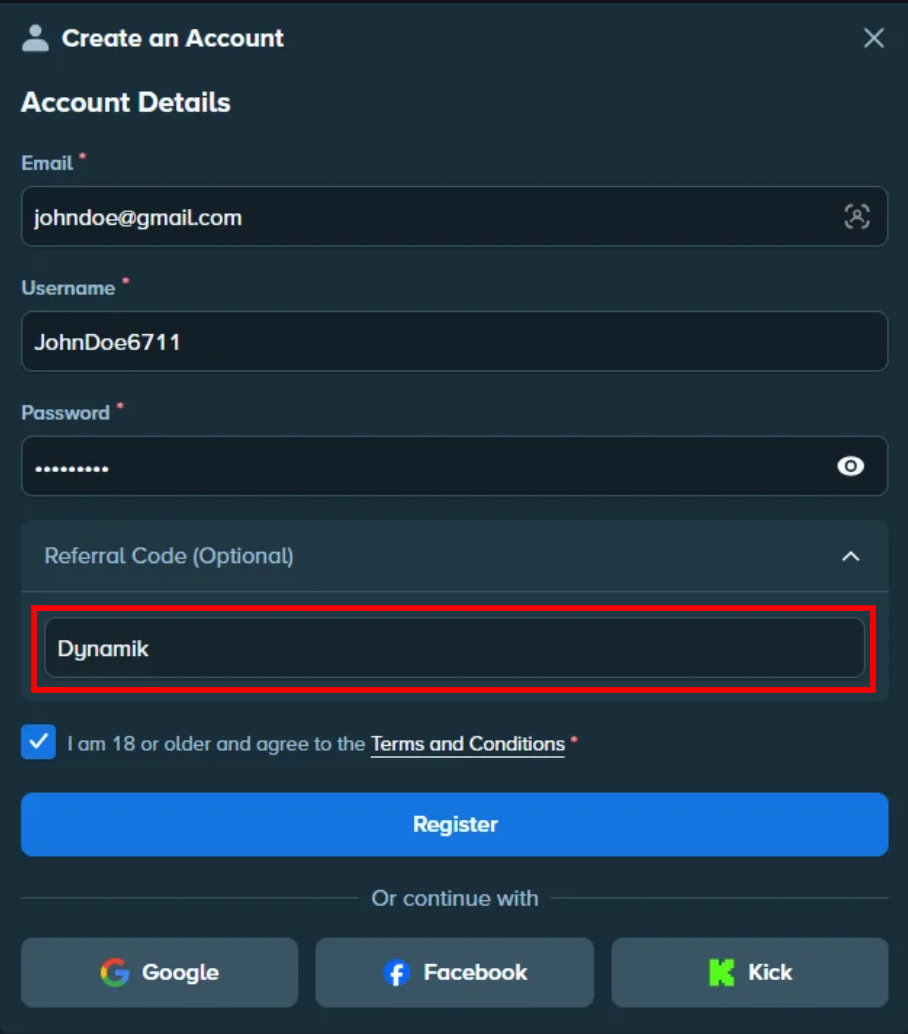
Enter the referral code
Open Referral Code (Optional) on the register form and type Dynamik. This is the step that links your account — miss it and none of the rewards apply.
3
Play and collect
Every bet counts toward the monthly leaderboard and your bonuses. Claims are handled in the Discord.
Already have a Stake account without the code? It can't be added retroactively — open a ticket in the Discord and we'll tell you your options.